Adjust Light, Color and Focus
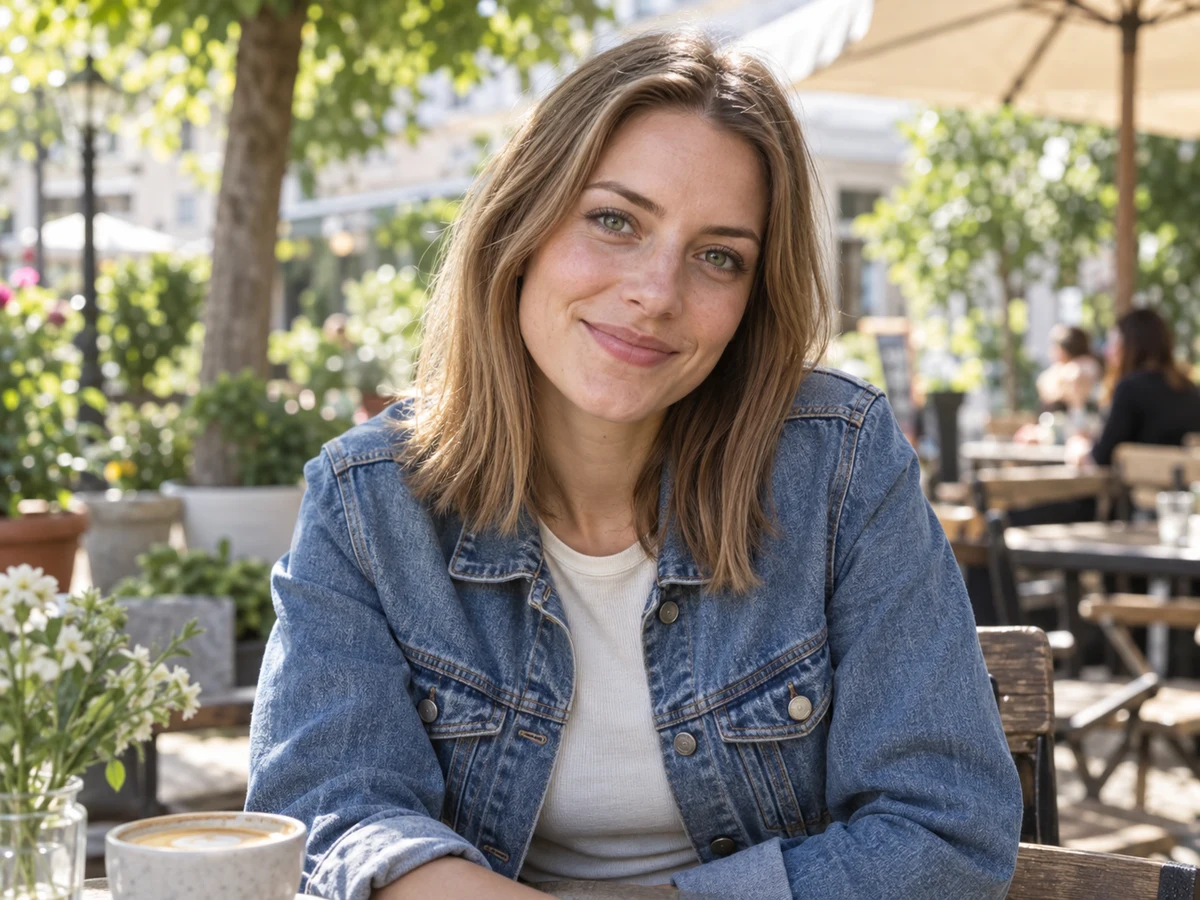
Fine-tune exposure, contrast, warmth, saturation and lens blur. Crop to the part that matters, then compare with the original.

Transform your photos with Digicam, Film, Y2K, 90s, VHS, and Dreamy retro effects. Fine-tune the light, color and texture, all in your browser.
100% free online · No installation · Mobile ready
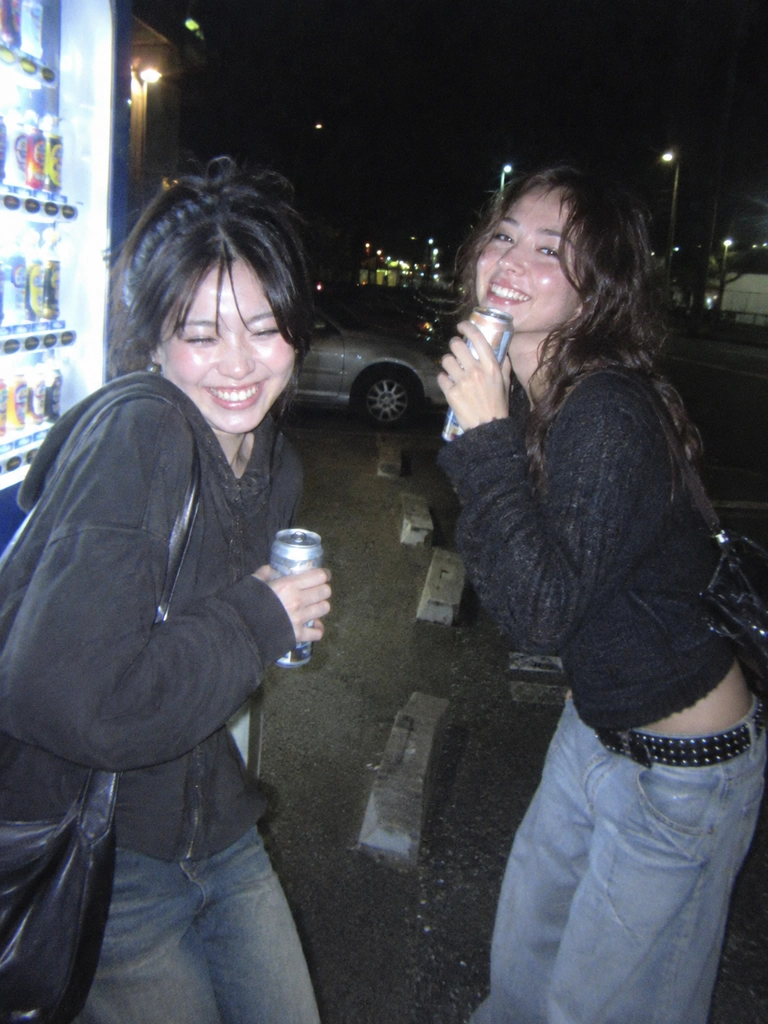
Start with the looks people return to, from crisp digicam flash and disposable-camera warmth to soft film grain and dreamy color.
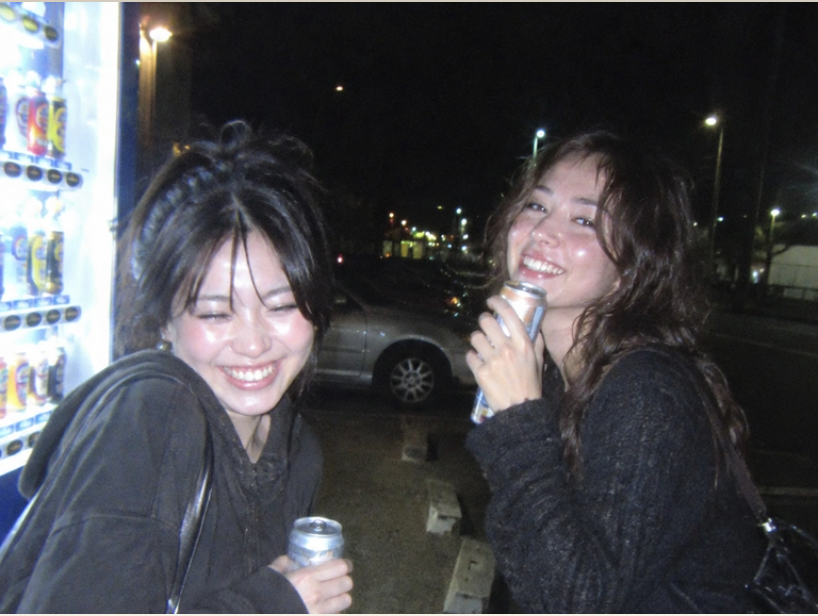
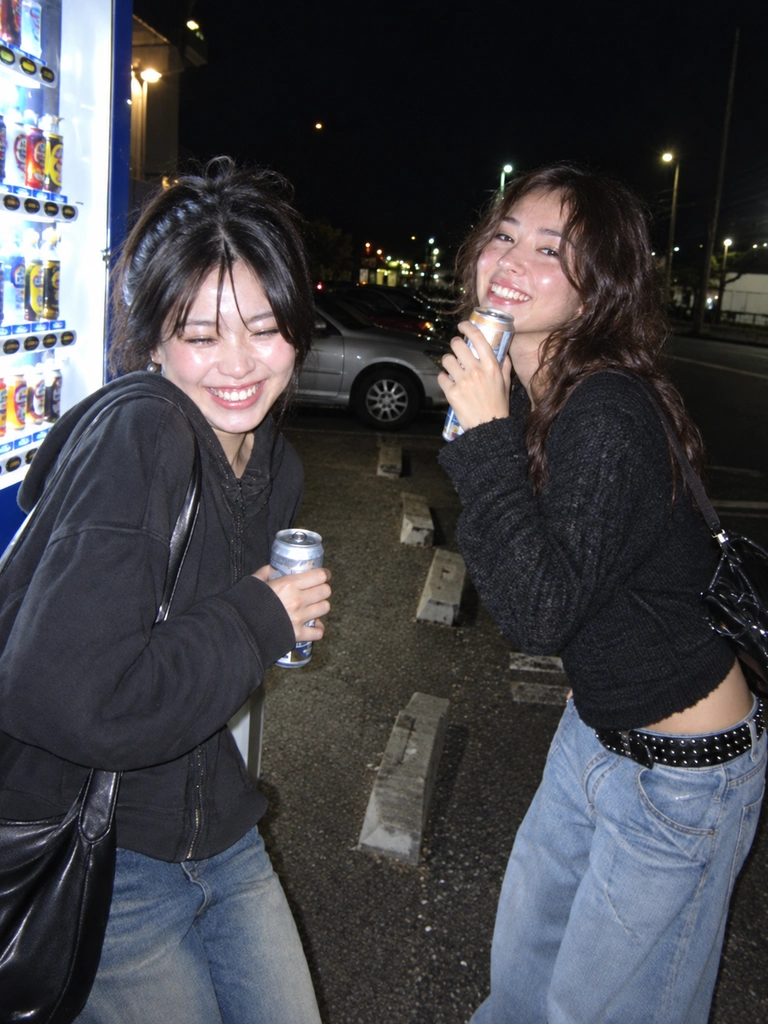
Bright direct flash, cool shadows and the texture of a digital snapshot.
Try This Filter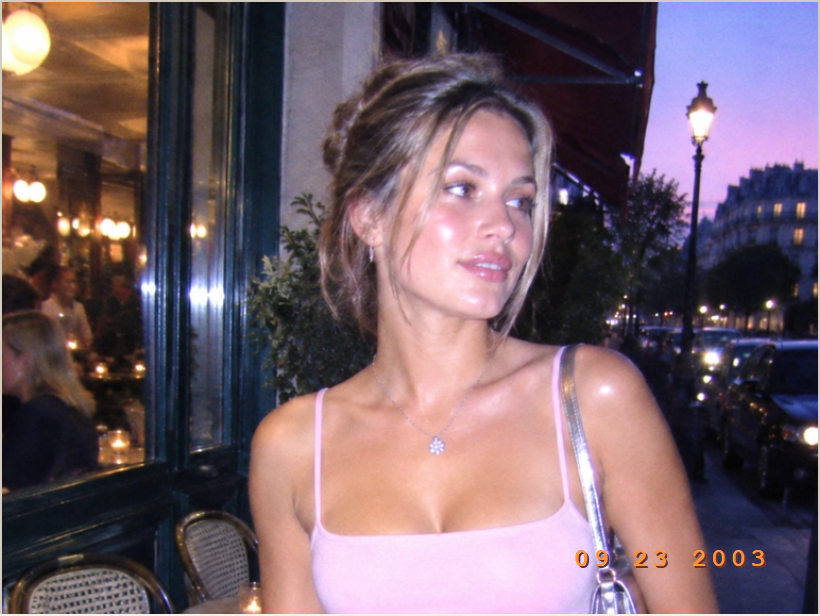
Low-res digital texture, cool flash color and a pixel-style date stamp.
Try This Filter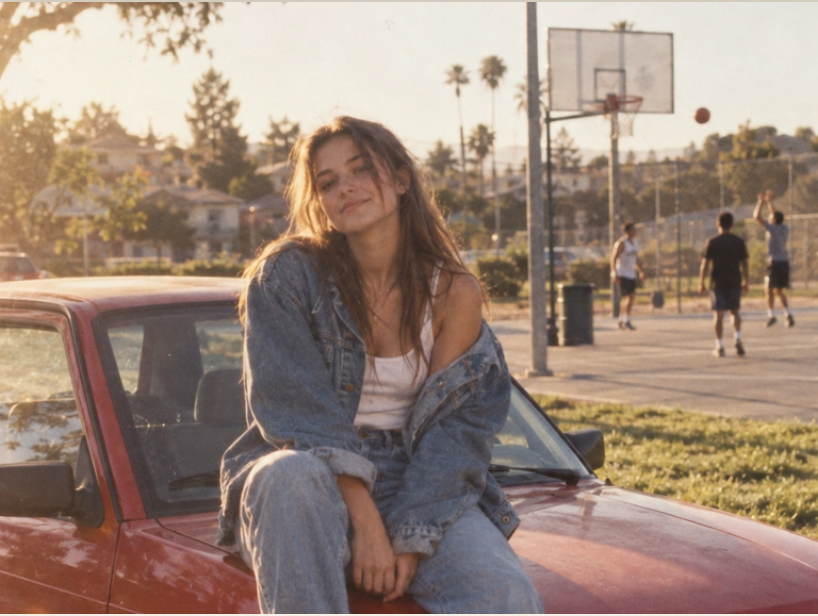
Warm yellow tones, faded color and the worn texture of a 90s print.
Try This Filter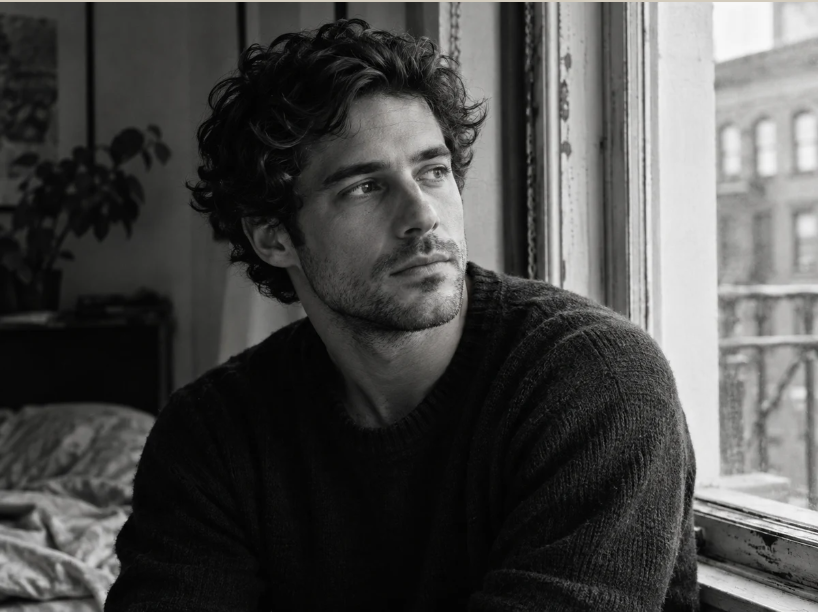
Expressive shadows, clean highlights and timeless monochrome.
Try This Filter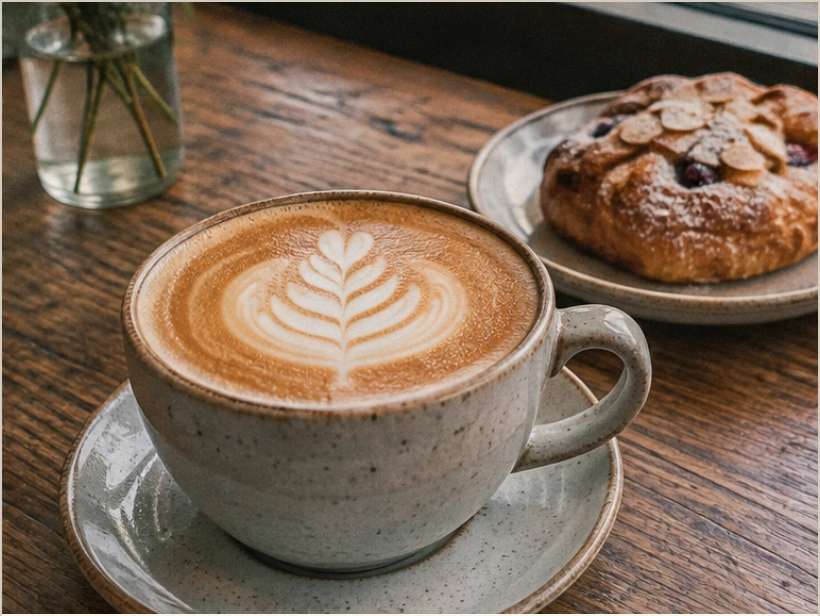
Fine grain, natural color and a gentle film highlight roll-off.
Try This Filter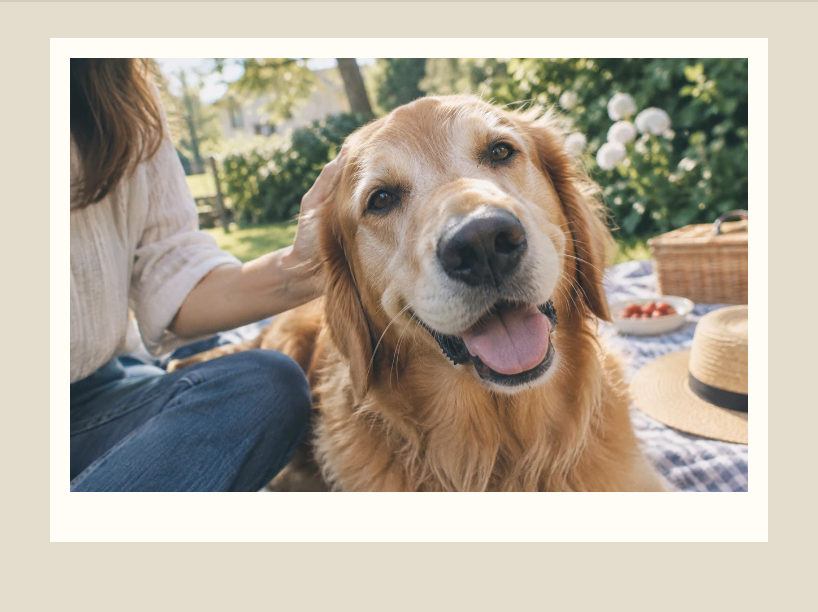
Soft colors and an instant-print frame for a moment worth keeping.
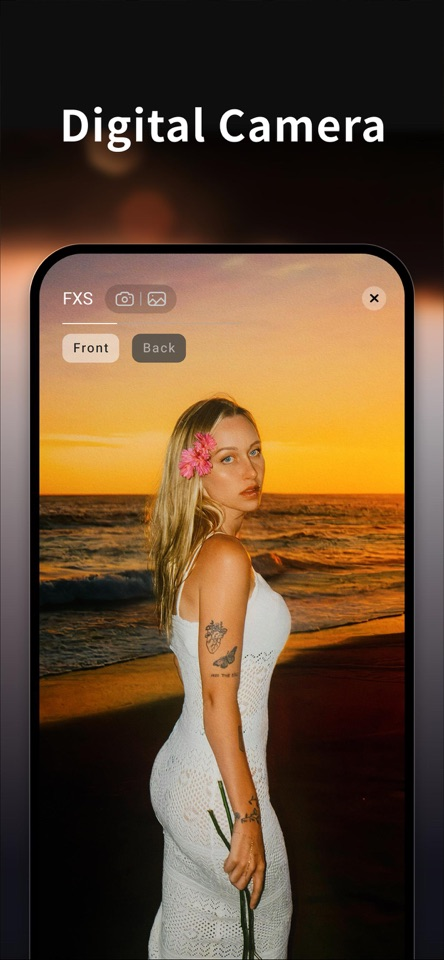
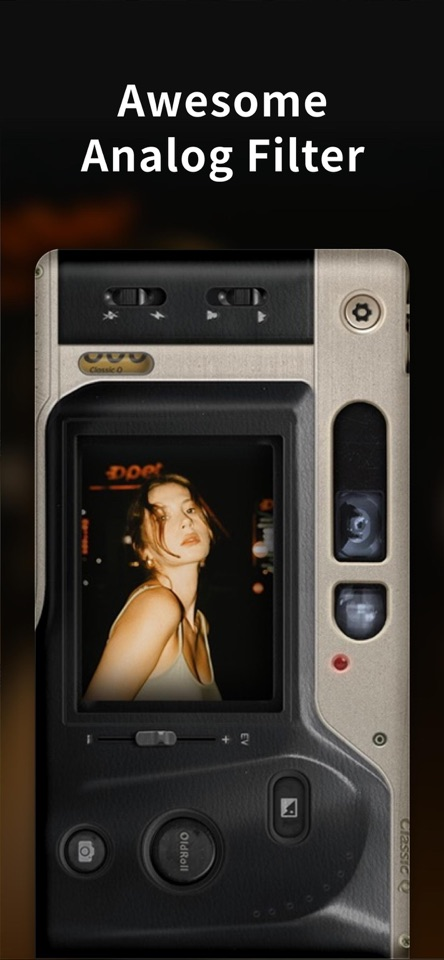
Open CameraStart with a camera-inspired look, then shape the light, texture and layout around your photo.
Fine-tune exposure, contrast, warmth, saturation and lens blur. Crop to the part that matters, then compare with the original.
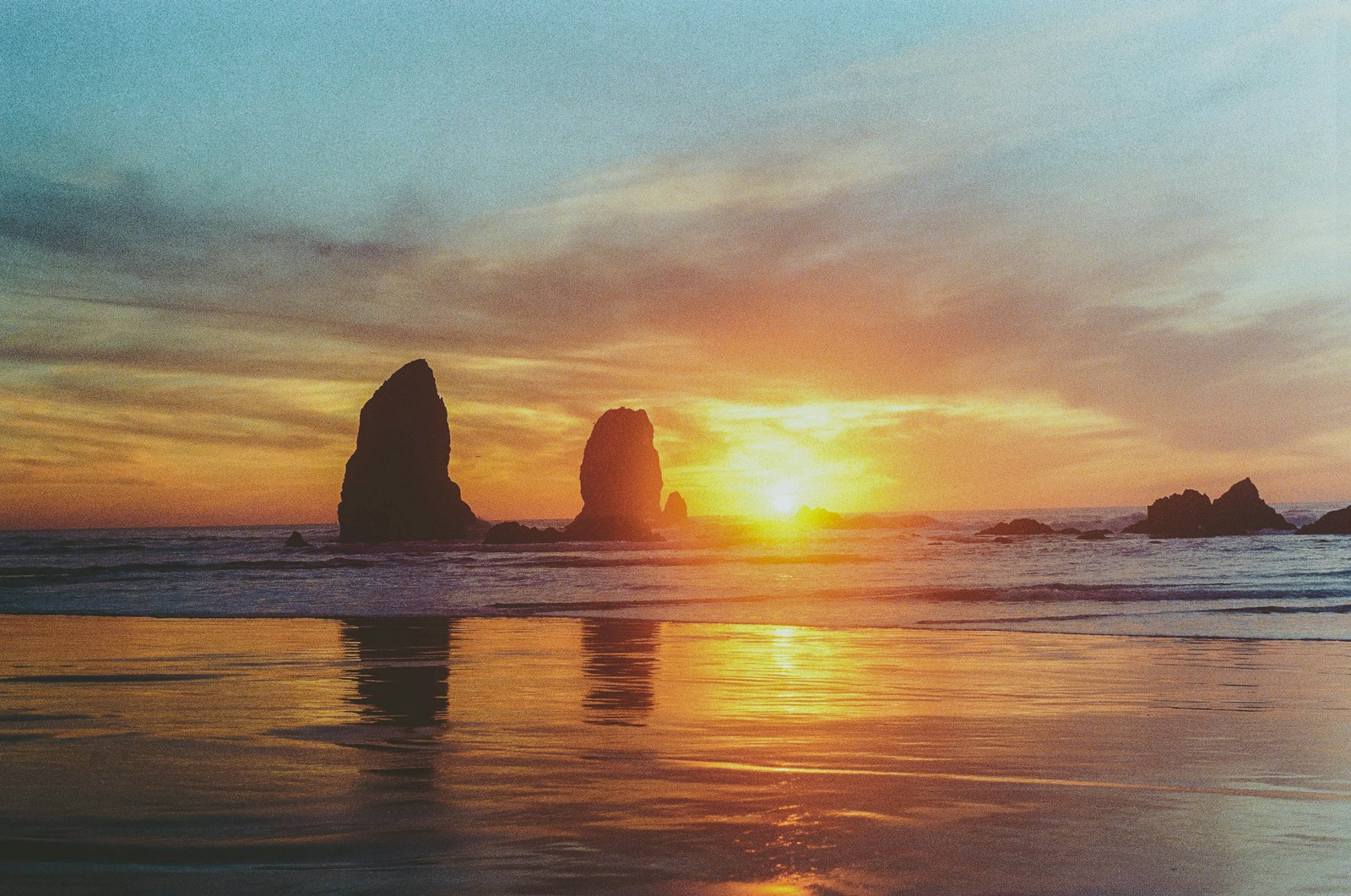 OLDROLL · 09 14 ’26
Layer film frames, flashes, grain, light leaks and stickers without losing the camera look underneath.
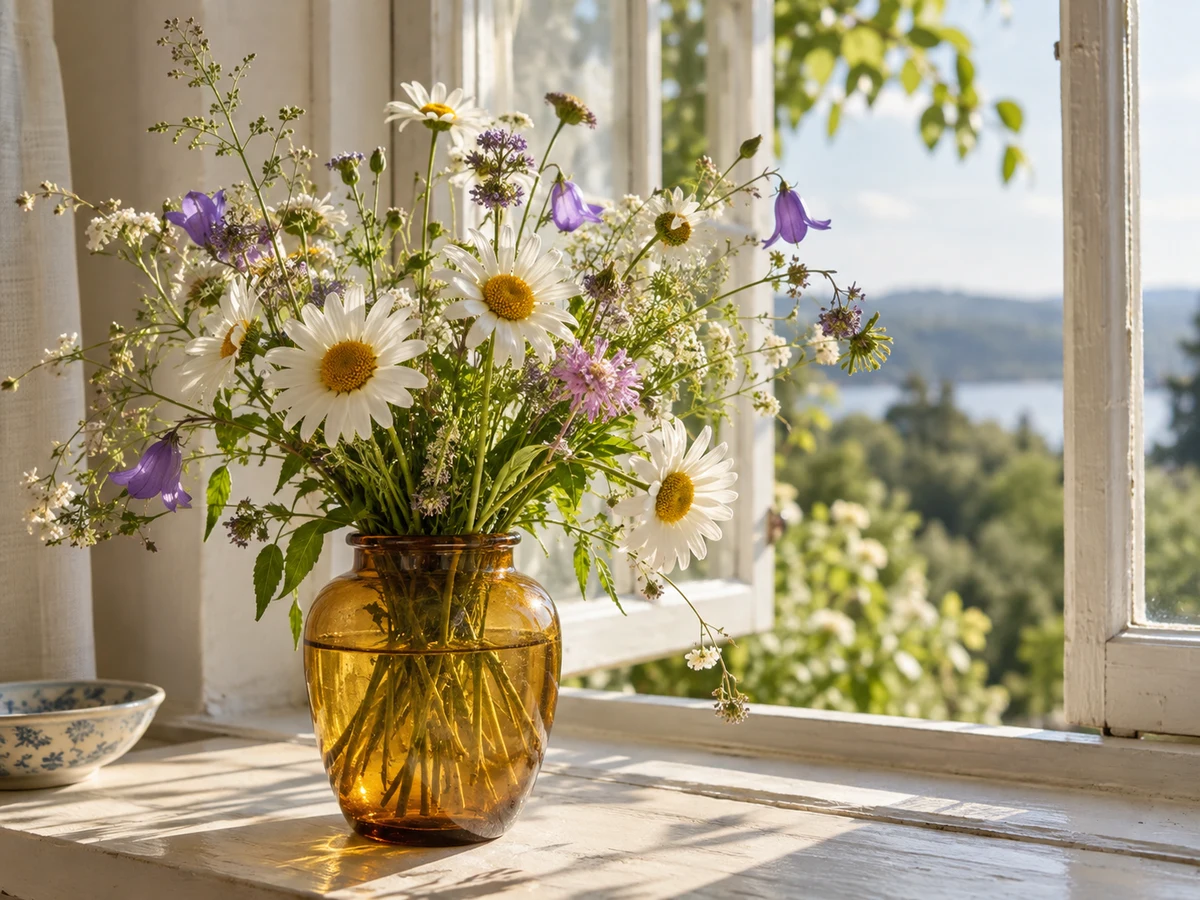
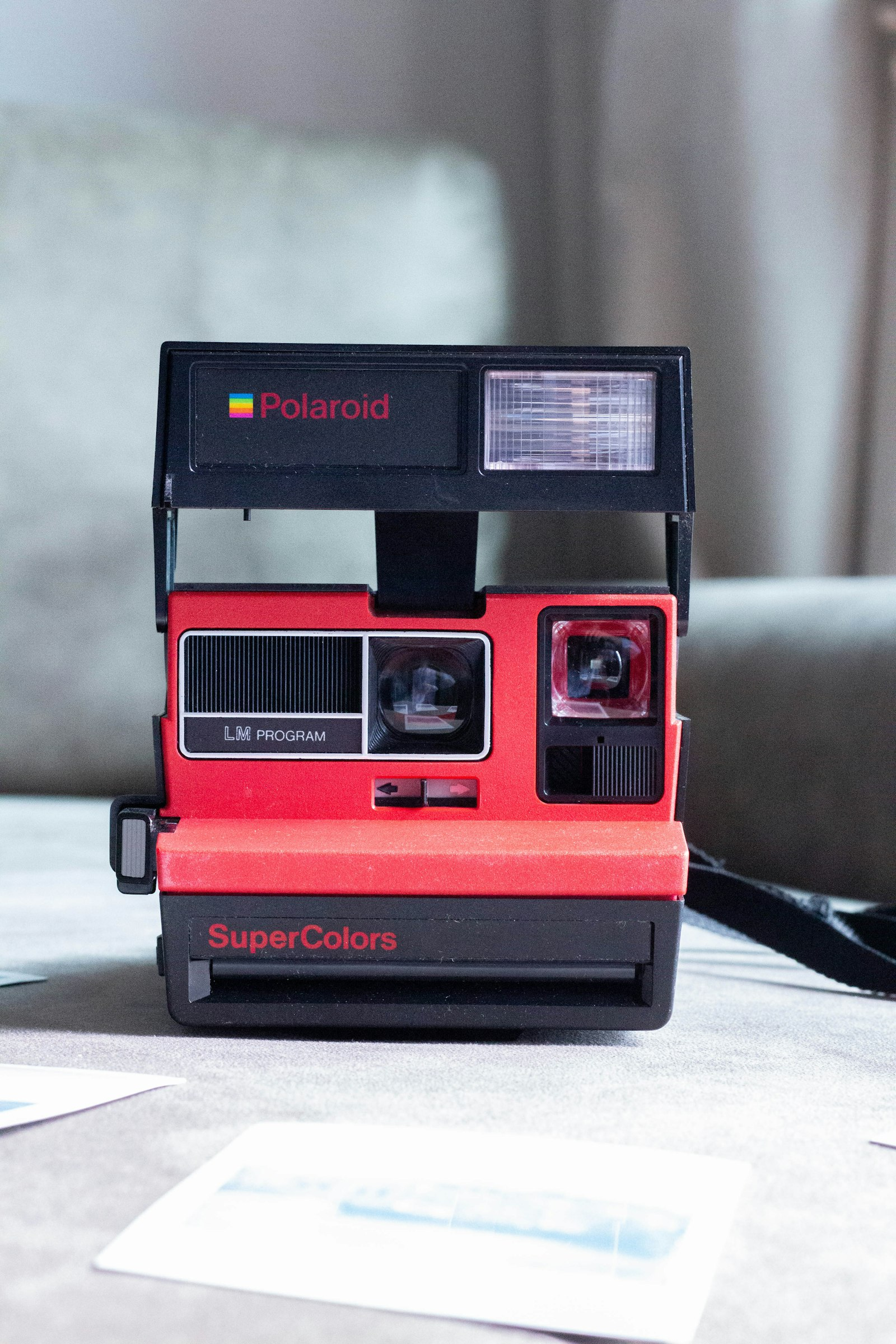
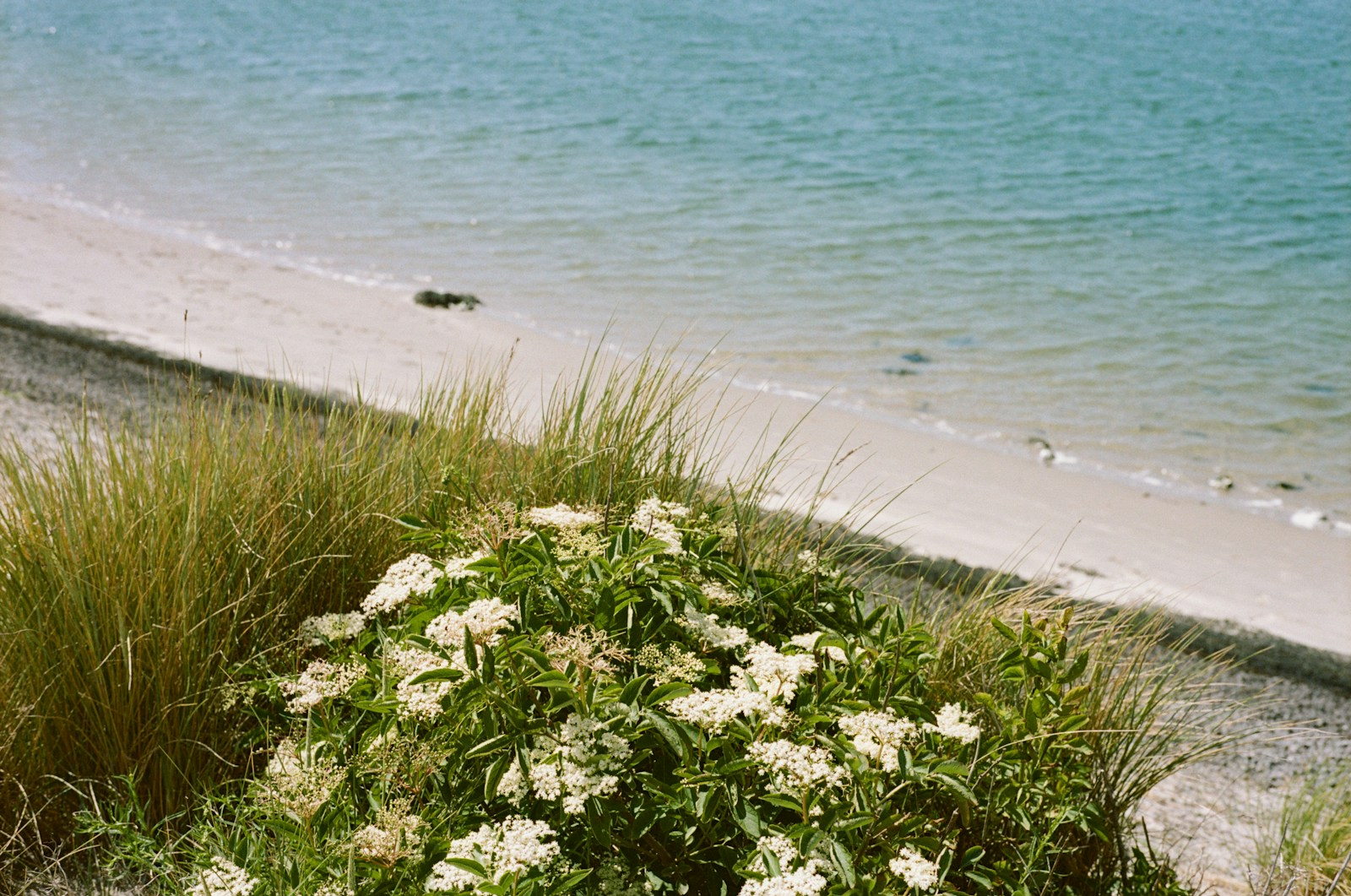
Bring one photo or several moments into an OldRoll layout, then choose a solid, gradient or textured background.
Retro photo editing for posts, portraits, campaigns, cover art and visual stories.
Give posts, reel covers and everyday photo dumps a consistent camera-inspired mood.
Try film, disposable-camera and light-leak looks, then fine-tune exposure, color and grain.
Build Y2K, street, lo-fi and camcorder-inspired visuals without flattening every image into the same preset.
Turn product, packing and lifestyle photos into warmer campaign visuals while keeping the item easy to see.
Create cover art, teaser posts and backstage images with haze, grain and after-hours color.
Give cosplay, convention and character-focused photos a dreamy, VHS or direct-flash finish.
OldRoll starts with recognizable camera character, then gives you room to decide how far the edit should go.
Explore recognizable camera moods such as CCD color, disposable warmth, direct flash, VHS texture and film grain.
Choose a photo from desktop or mobile and begin editing without installing desktop software.
Adjust the strength, compare with the original and fine-tune the details before saving the result.
Move from one photo to a complete strip or layout while keeping the visual direction consistent.
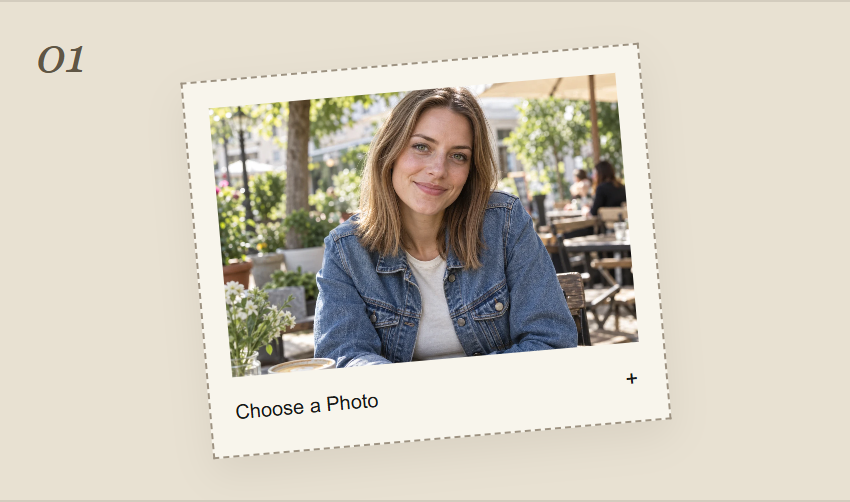
Choose a photo from your phone or computer. Start with a clear portrait, street scene or travel photo.
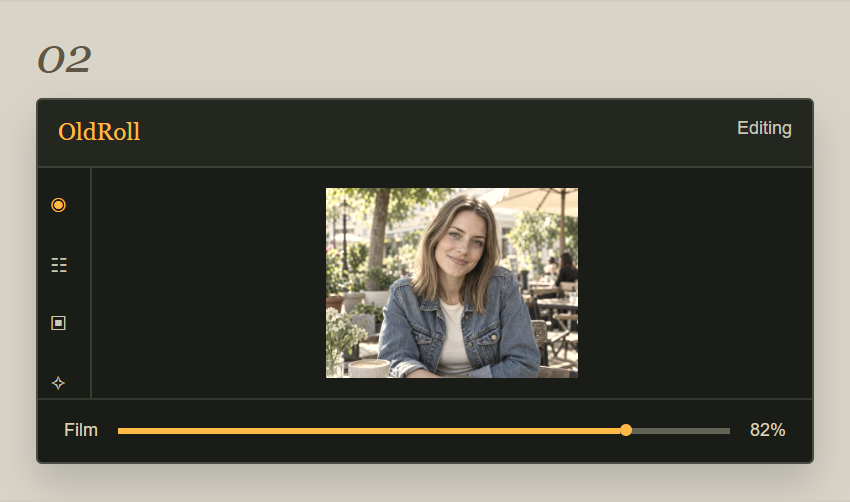
Try Digicam, Film, Y2K, Disposable Camera, 90s, VHS or Dreamy, then adjust the intensity to suit your photo.
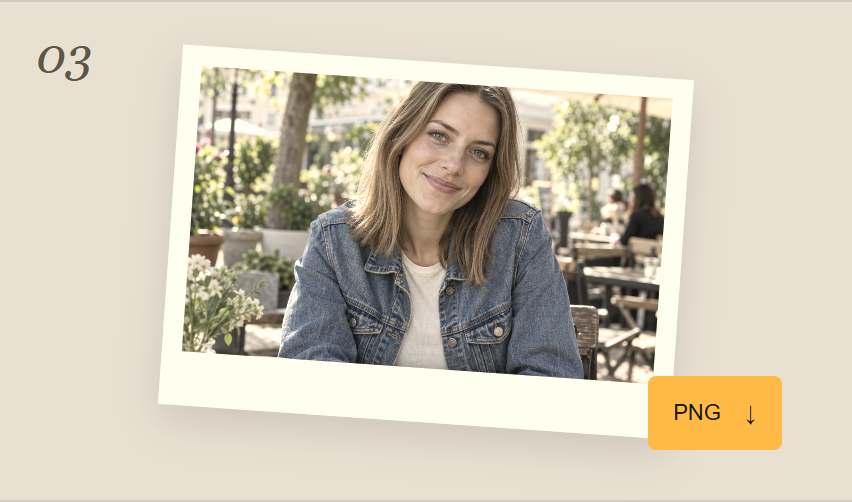
Compare the edit with the original, preview the finished result and save your photo.
Camera-inspired creativity, loved by a worldwide community.
6k+ ratings ↗
4.3/5213k+ reviews ↗

Featured by Xiaomi ↗
Everyday moments, reimagined with OldRoll.
Small moments. Favorite cameras. Feedback from the OldRoll community.
Editorial summaries of selected OldRoll app reviews. Names and dates are from Google Play.
OldRoll is a browser-based aesthetic photo editor for creating Digicam, Film, Disposable Camera, 90s, VHS, Dreamy and other retro looks.
Yes. In your mobile or desktop browser, select Choose a Photo and upload an existing picture. You can start with a photo from your phone gallery instead of taking a new shot. The mobile app also supports importing photos for editing.
You can use the available light, color, texture, crop, frame, effect and sticker controls to shape the final result. Available settings may vary by Camera or Filter.
Camera resources recreate a fuller camera character, while Filters are focused looks that can be applied and adjusted inside the editor.
The OldRoll mobile app includes a large collection of free resources. To celebrate the launch of OldRoll Online, the current online version is 100% free, with all current features available. No paid subscription is needed for this online launch offer.
Yes. The official OldRoll app offers a dedicated camera-first experience on iOS and Android.
Start with a daylight portrait, a picnic or a travel snapshot. Choose a 90s look for warm yellow tones, faded shadows and an aged-print finish. Keep the effect subtle enough to preserve skin tones, and avoid starting with an image that is already heavily filtered.
A Y2K look leans toward early digital cameras: low-resolution texture, direct flash, cool cyan or violet color and a pixel-style date stamp. A 90s look feels more like an aged print, with warm yellow color and softer contrast. Indoor party portraits work especially well for Y2K.
Choose a portrait with backlight or side light, visible hair edges and bright highlights. A Dreamy effect softens those highlights into a gentle glow while keeping the face readable. Flat, dark photos usually show less bloom than a naturally backlit scene.
A photo booth look combines several portraits in a strip or grid. Use pictures with consistent light and framing, then arrange them in a collage layout. For a camera-led experience on your phone, explore the mobile app's Booth camera; available layouts can differ between the app and online editor.
OldRoll supports customizable date stamps. In the online editor, check the selected camera for its available date settings. A visible timestamp is a creative overlay, not proof of when the original photo was taken. Keep an unedited copy if you may want a version without the stamp.
Still have questions?
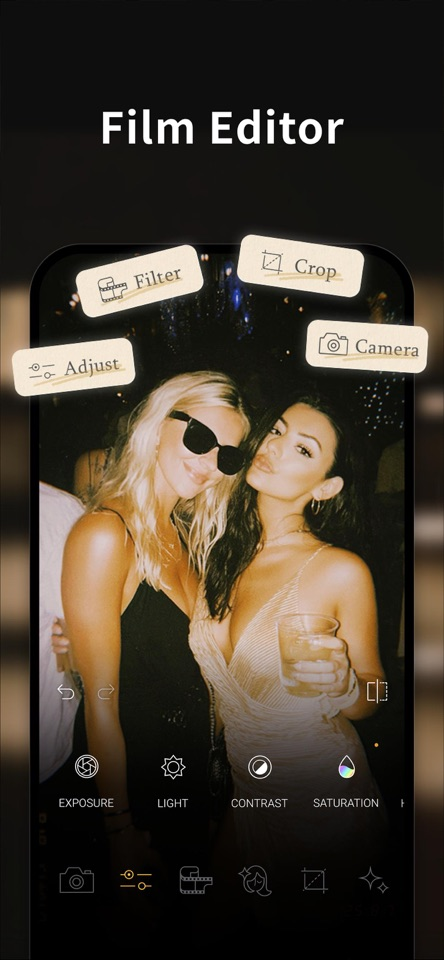
Edit photos with OldRoll in your browser, or explore the full camera-first experience with the OldRoll app on your phone.


Scan for App StoreiPhone & iPad


Scan for Google PlayAndroid