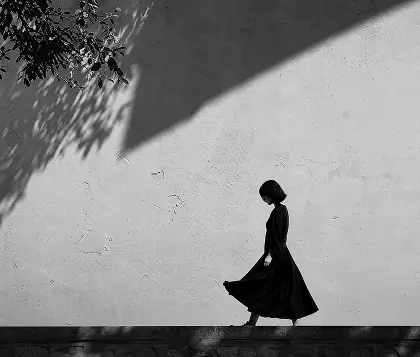


Create Dreamy Soft Focus in One Click
Turn a phone photo into a soft, luminous scene with OldRoll's Dreamy Filter in one click. The effect blends soft focus with diffused highlights and airy haze to echo the Orton Effect while keeping the subject's important edges clearly readable. Skip Photoshop, duplicated layers, and manual blur or blend mode adjustments. Apply the filter as a complete starting point, then check that the glow supports the original subject. Portraits and everyday scenes gain a dreamlike finish without becoming one flat layer of blur.