No Installation
Open the browser editor on your computer or phone and give an existing photo a fresh look without downloading software.

About OldRoll
OldRoll Aesthetic Photo Editor turns everyday photos into memories with character. Find your look in the warmth of film or the flash of a digicam, then refine it until the photo feels like yours.
6k+ ratings ↗
4.3/5213k+ reviews ↗
✺Featured by Xiaomi ↗
Everyday moments, reimagined with OldRoll.
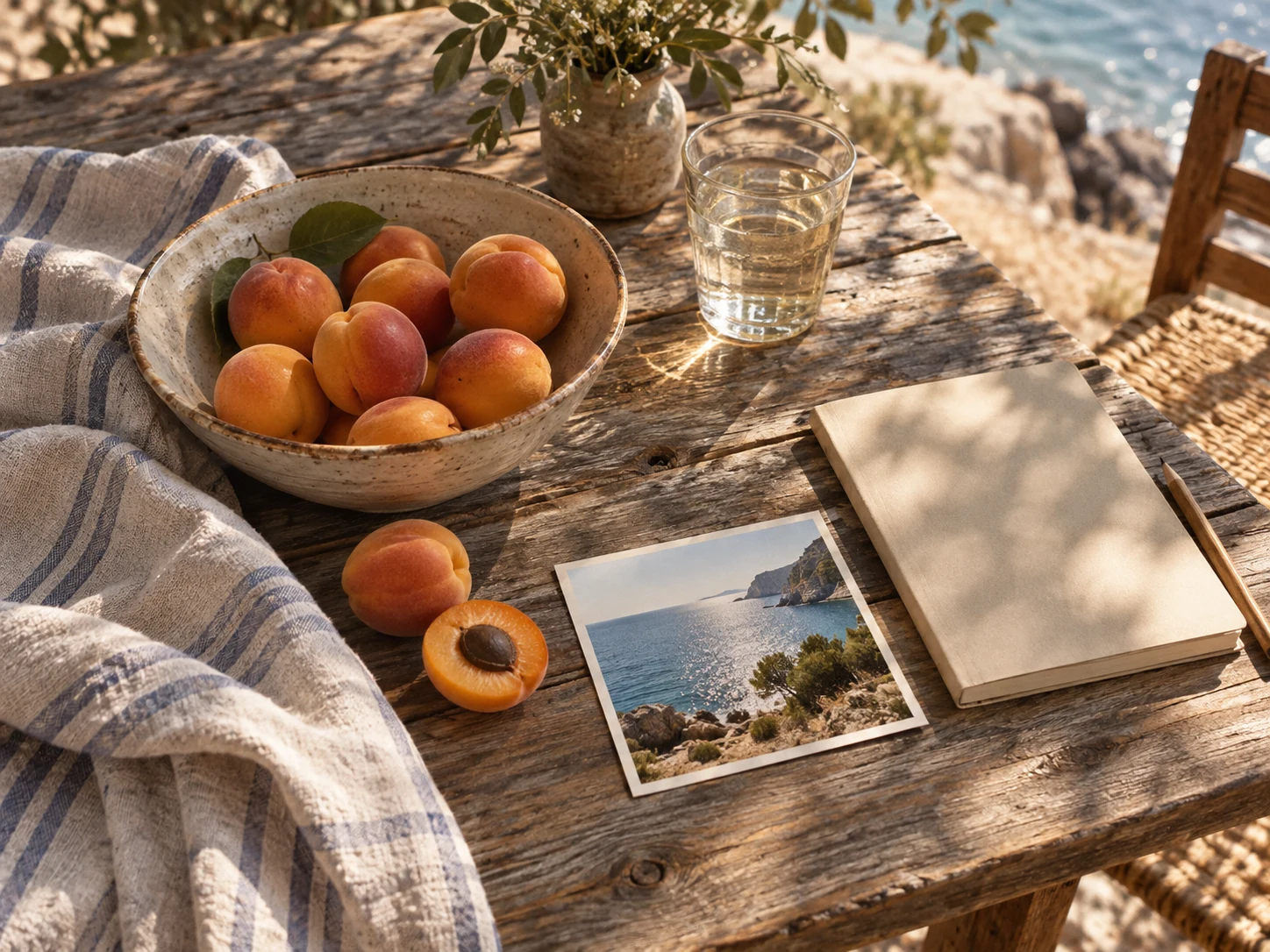
A holiday snapshot or a portrait of a friend can hold more than the details in the frame. OldRoll Retro Photo Editor helps you bring out the feeling behind it, whether that calls for the soft warmth of film or the bright flash of an early digital camera.
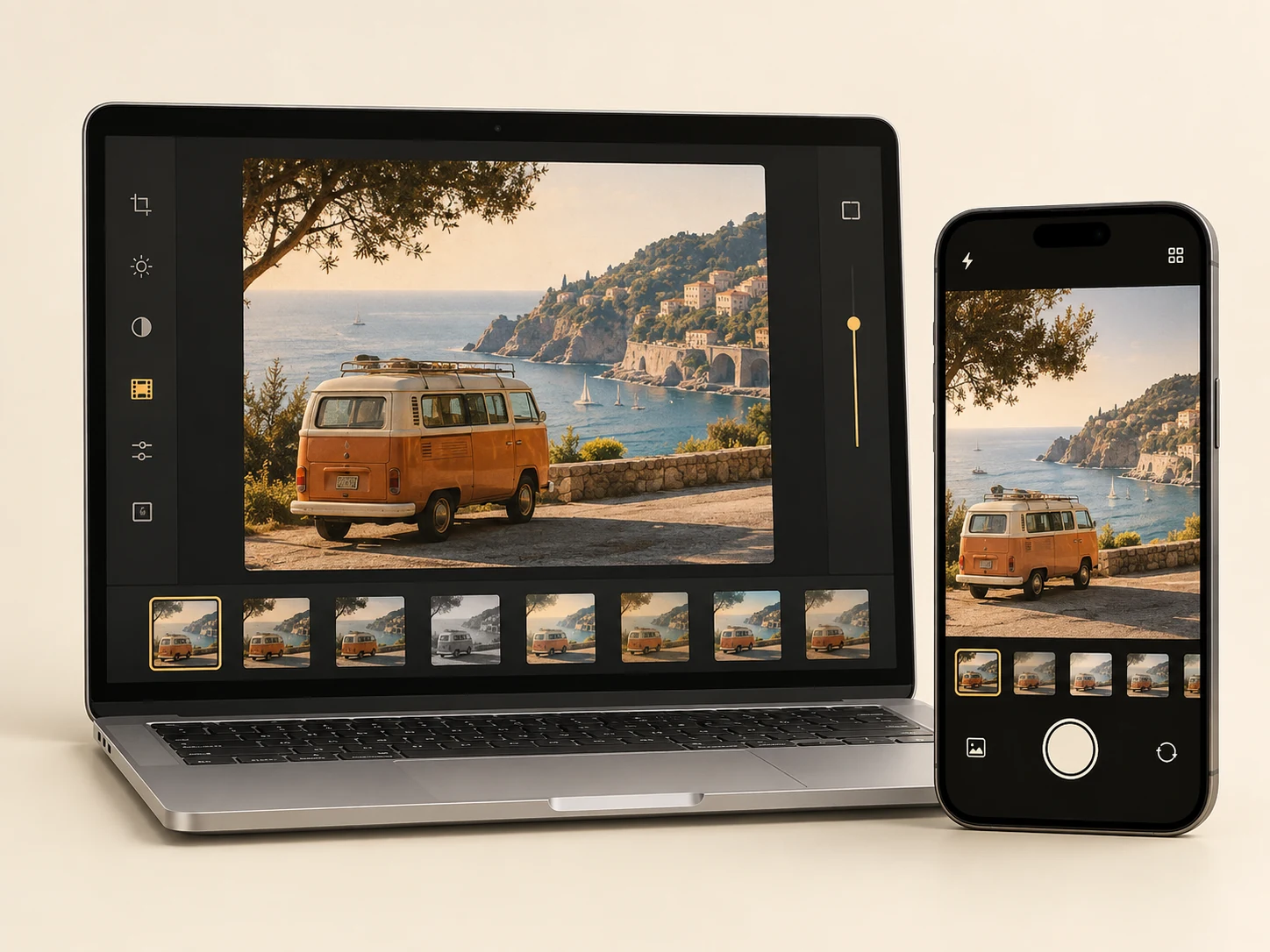
Start with a camera-inspired look, then adjust its strength and fine-tune the light and color to suit your photo. When the edit feels right, finish it with a frame or combine several moments in a layout. The browser gives you room to try ideas without installing an app.
Browse camera-inspired looksOldRoll began with the pleasure of taking a picture: choosing a camera, looking through its viewfinder and discovering the result. The mobile app keeps that camera-first experience close at hand, with distinct ways to capture the moments around you.
The browser editor brings the same attention to photographic character to photos you already have. Use a larger screen to refine an edit, or open it in a mobile browser for a quick change. Choose the web or the app to suit what you want to create.


Scan for App StoreiPhone & iPad


Scan for Google PlayAndroid
The PixlConcerto team brings experience in visual technology to OldRoll, turning a love of classic cameras into new ways to capture, edit and keep a photograph. From early mobile cameras to RAW editing and the Film Lab, that work leads to a new chapter: OldRoll in your browser in September 2026.
OldRoll begins with a simple idea: bring the character and hands-on feel of classic cameras to a phone.
OldRoll arrives on iOS on June 4. Its first update adds photo import and four cameras, giving people more ways to find a look they love.
Four additions: 503CW, NK F, 120V and PINK. Early favorites include INS P and TOY F.
Super 8 introduces video recording, with the movement and texture of small-format film. Everyday moments can become short home movies.
Video cameras later include 8mm and DCR.
The CCD camera joins OldRoll with controls for ISO, saturation and exposure, plus macro and portrait modes inspired by classic compact cameras.
G7X adds a compact-camera approach to portraits and video. TOY S follows with a bright, low-contrast film look, while DCR introduces one-second-a-day recordings for everyday video diaries.
April: G7X. May: TOY S. August: DCR.
Photo-back editing lets people add a note, a diary entry or a time-and-place stamp to the reverse of a photo. The memory can include what happened outside the frame.
CCD Z extends the digital camera collection with muted color and visible noise, bringing a softer, early-2000s feel to portraits.
CCD cameras: CCD and CCD Z.
Post-editing adds soft light, blur, grain, drawing and basic image adjustments. Photo-back templates follow, making it easier to pair a finished picture with its story.
OldRoll previews INS G as its first limited-edition camera, adding to an instant-photo collection shaped by INS P and its classic paper borders.
Instant cameras: INS P and INS G.
FX400 introduces RAW image capture and a new color approach, giving the app more image information to work with and smoother color transitions.
FXS joins with three film simulations, and FX400 gains photo import. GRX is announced the following month, bringing a low-saturation negative-film approach to the RAW collection.
RAW cameras: FX400, FXS and GRX.
JELLY pairs a transparent camera body with light-sensitive film effects. Daylight and low-light scenes produce different looks, keeping some of the surprise of disposable photography.
Disposable cameras: TOY F, TOY S, TOY K and JELLY.
Scanner brings instant-photo scanning to OldRoll, making it easier to keep a digital copy of a printed memory. FXS also gains another film simulation.
Edit Mode enters beta with photo import and live previews. It soon expands with more adjustments, filters, drawing and layered lens effects, while separate albums help organize captured and imported photos.
Batch editing makes it possible to work on several photos together. RAW editing follows, adding more control over the underlying image and its color after the shot.
The LOG video camera arrives with cinema-inspired color presets. Curves for underlying-image edits and animated instant-photo borders add more ways to shape the finished result.
HSL and curves expand color control. Color-backed photo paper and color frames bring the colors of a moment into its presentation, continuing the idea behind photo-back editing.
Photo-back designs also include the Colorwalk series.
Minimal Mode receives usability improvements. Preset QR sharing and upgraded drawing tools make personal looks easier to create and share.
Film Lab introduces pixel-character and spatial film effects, giving photographs a playful new direction. The Pix camera adds a retro game-console look to the collection.
OldRoll Web brings the camera-inspired experience to a browser. OldRoll Retro Photo Editor lets people give existing photos a nostalgic look and refine the details without installing an app.
From the instant-photo character of INS P and INS G to disposable TOY cameras, the collection keeps finding new ways to see. CCD and CCD Z explore early digital color; GRX, FXS and G7X take their own approaches to the compact-camera look. Super 8, 8mm and DCR carry that curiosity into motion.
Open the browser editor on your computer or phone and give an existing photo a fresh look without downloading software.
Choose a look inspired by how a camera sees, from soft instant-film tones to the bright flash of a digicam.
Use a filter as your starting point, then adjust its strength and the photo’s light and color to make the final edit yours.
Your photos remain your creative work. Our Privacy Policy explains how information is handled so you can make an informed choice.
Report a problem, request a filter or share an idea with the team behind OldRoll.